Apps
Mijn IT Hulp is intentionally shown first as the main product of Vancoillie IT Hulp. The rest of the page still highlights the broader app portfolio with visual previews and compact product explanations.
Start with the Mijn IT Hulp experience
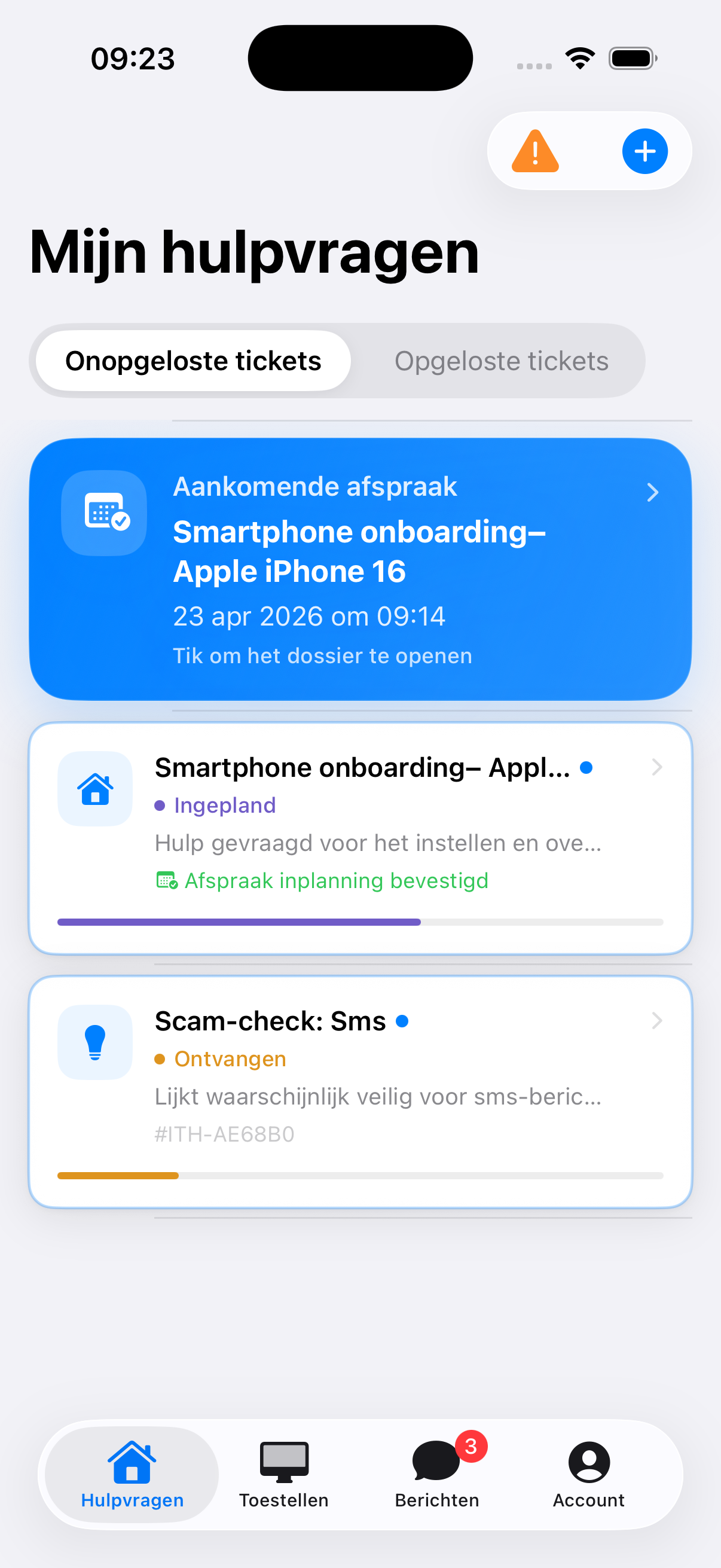
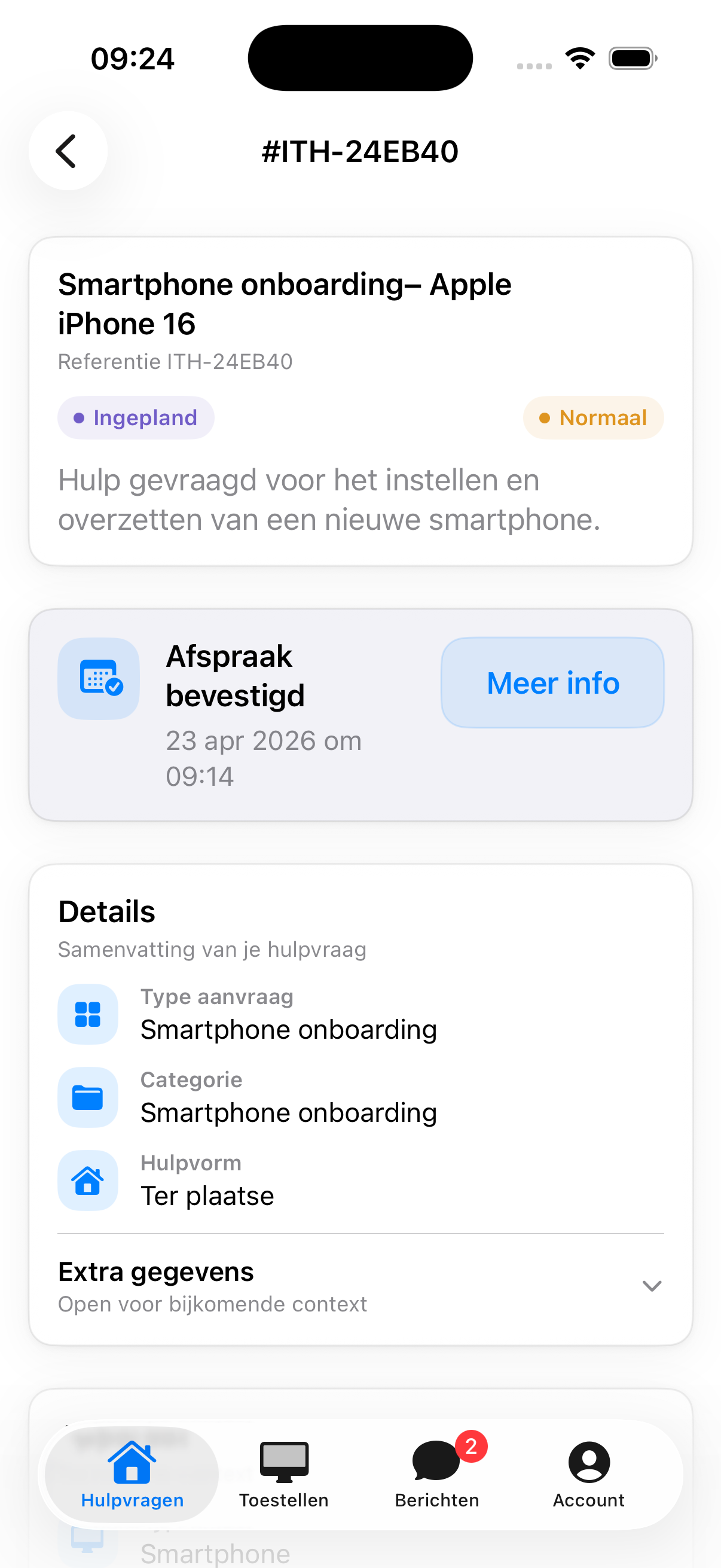
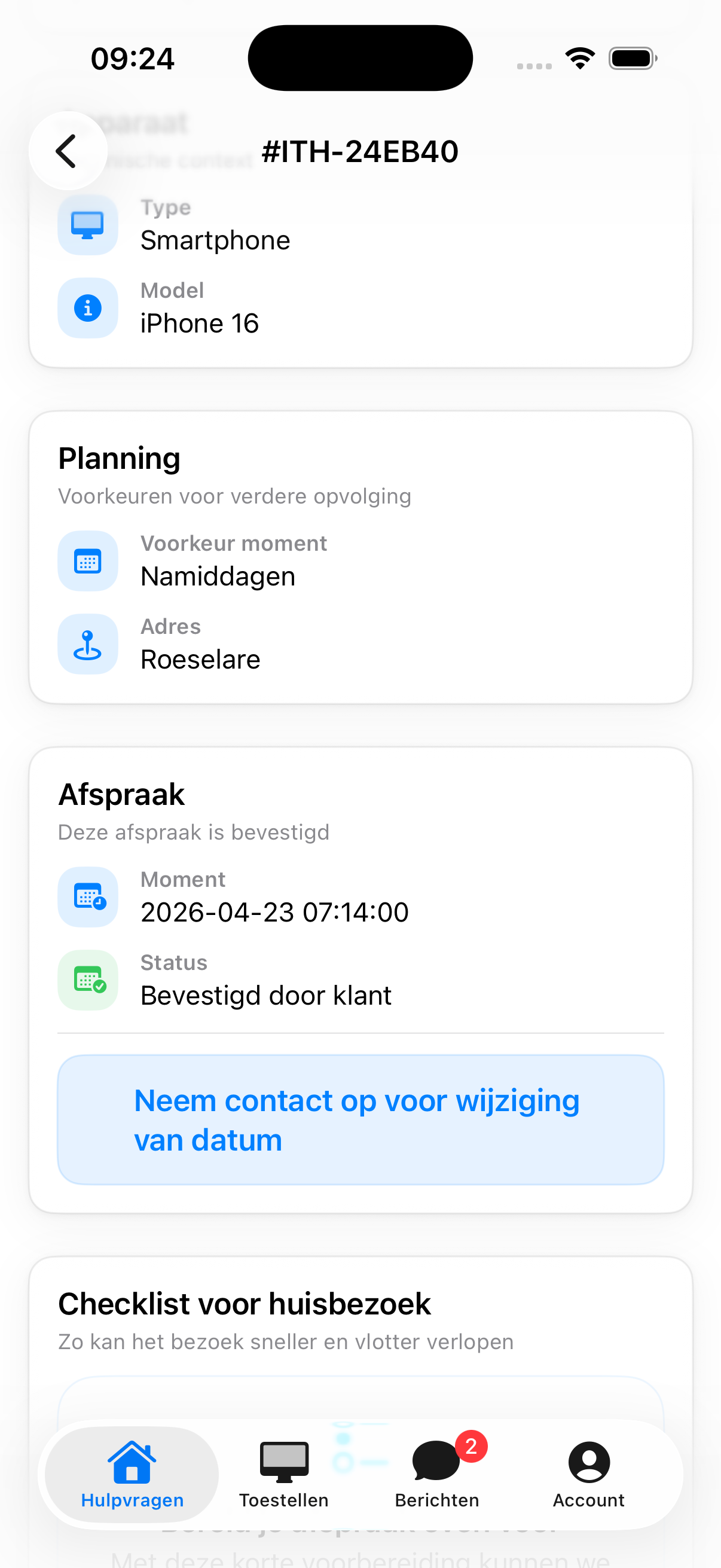
Scroll through real Mijn IT Hulp screens first, then explore the rest of the app portfolio product by product.


Mijn IT Hulp
The approachable customer app for IT support, follow-up, and direct communication.
Mijn IT Hulp is the customer app of Vancoillie IT Hulp, built to help private clients request support, follow progress, and discuss issues with ease. From computers and smartphones to wifi, printers, software, and email, the app brings tickets, messages, screenshots, appointments, and device details together in one calm support flow.

Digital IT entry point
Combines registration, support requests, ticket tracking, messaging, screenshots, and appointment responses in one clear support environment for Vancoillie IT Hulp clients.
Support requests and follow-up
Lets clients submit new tickets, review earlier requests, exchange messages, and attach screenshots or problem photos without technical friction.


Core feature
SupportSimplicity for private clients
Ask for IT help without complicated steps
Get help faster
Makes it easier to request support for computers, smartphones, tablets, wifi, printers, software, or email while giving clients a clear view of ongoing assistance.
What the app does
Supports account access, session restore, ticket creation, device management, image attachments, appointment proposals, and direct communication with Vancoillie IT Hulp.

Vancoillie News
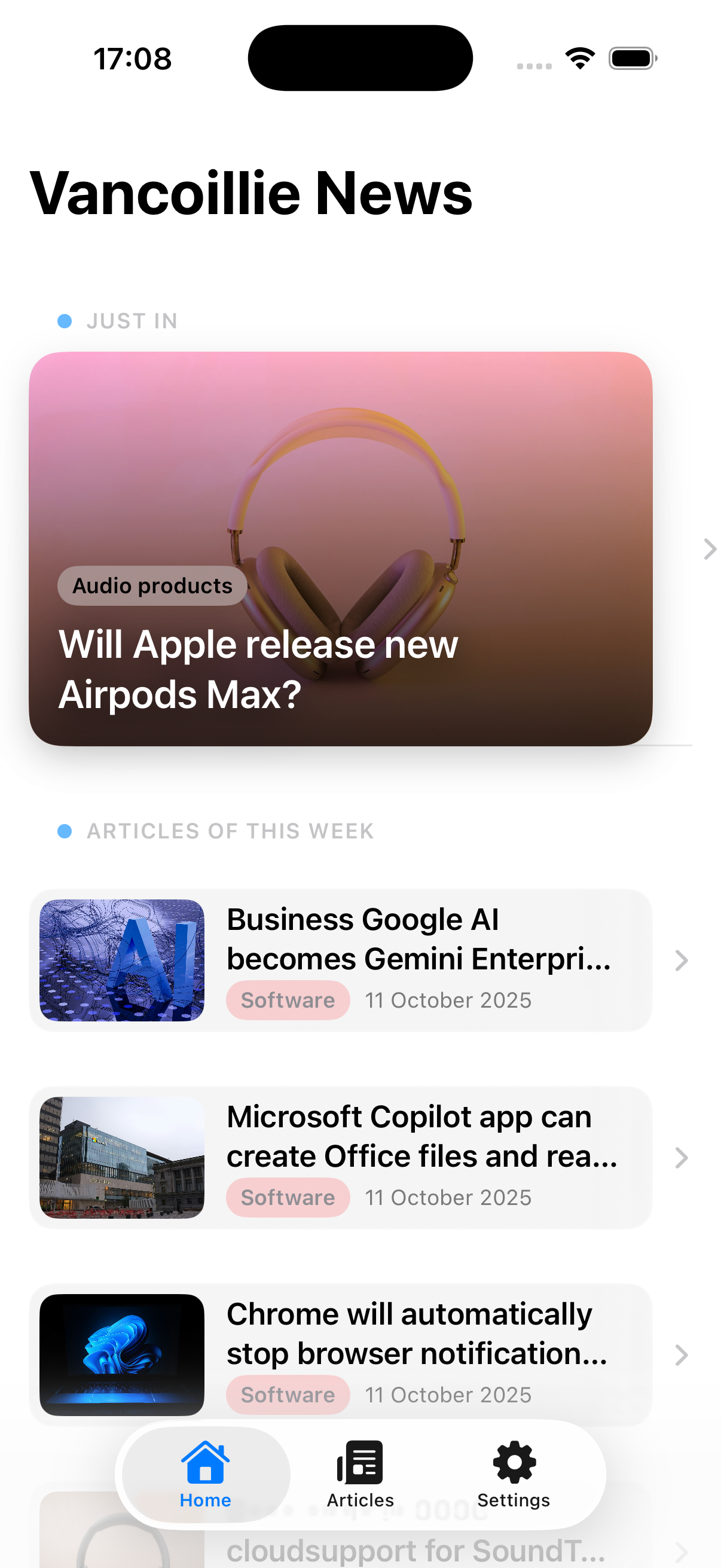
News and updates in a calm, mobile-first reading experience.
A news app focused on readability, rhythm, and fast content consumption. Ideal for a modern mobile publishing flow.
News feed
Combines headlines, article details, and highlights in a clear mobile news flow that stays easy to scan and navigate.
Summarized news
Surfaces trending topics quickly, summarizes articles clearly, and keeps important updates easy to revisit.


Core feature
FeedReading experience
Fast scanning and calm reading
Discover news
Helps users quickly see what is new, open stories without noise, and return to important updates through a familiar structure.
What the app does
Brings relevant news together in a structured feed with clear summaries written in plain language.

AbboBuddy
Keep subscriptions and recurring expenses clear and manageable.
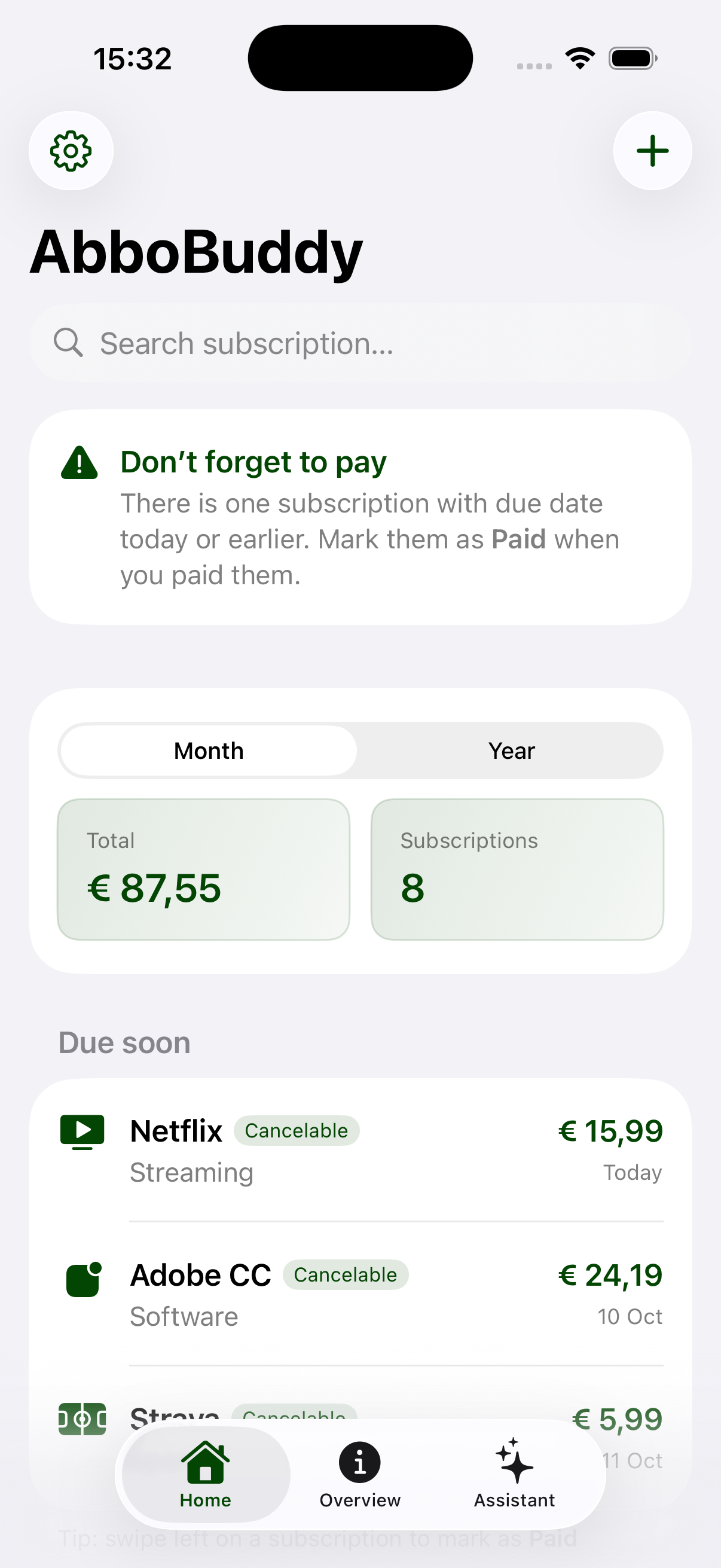
An approachable app for tracking subscriptions, payments, and reminders without unnecessary administrative noise.
Subscription overview
Brings active subscriptions, pricing, and renewal dates together so users instantly understand what is running and when it renews.
Recurring costs
Shows subscriptions, billing moments, and total monthly or yearly costs together in one simple overview.


Core feature
ManageTrack payments
Clear control over recurring costs
Manage subscriptions
Makes it clear which services are active, what they cost, and which subscriptions need attention or cancellation.
What the app does
Registers subscriptions, reminds users before renewals, and helps them manage recurring costs more intelligently.

InMandje
Plan groceries more intelligently and decide faster.
A retail-focused app that combines product clarity, shopping logic, and ease of use in a compact mobile flow.
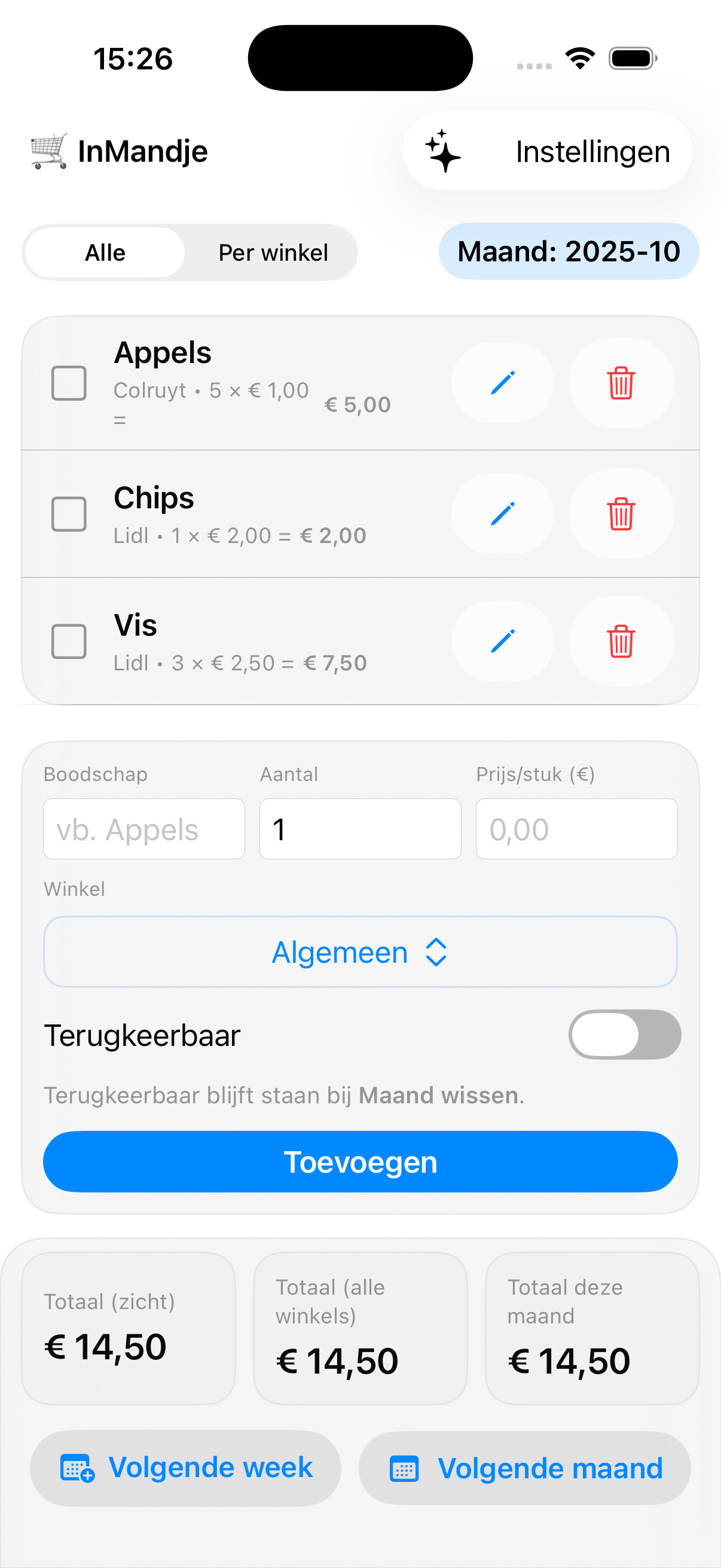
Shopping flow
Combines grocery lists, products, and shopping moments in a mobile flow that helps users plan and add items quickly.
Smarter grocery planning
Shows the running total while adding items, helps plan by day or week, and makes savings easier to spot.


Core feature
ListPlan groceries
Choose faster and forget less
Shop smarter
Helps users build lists, group products, and make faster decisions while shopping.
What the app does
Keeps lists, budget, and purchases organized while making mobile grocery input fast and practical.

StockBuddy
Structure for inventory, items, and daily follow-up.
A mobile inventory app where item management, stock status, and product details come together clearly for teams that need speed.
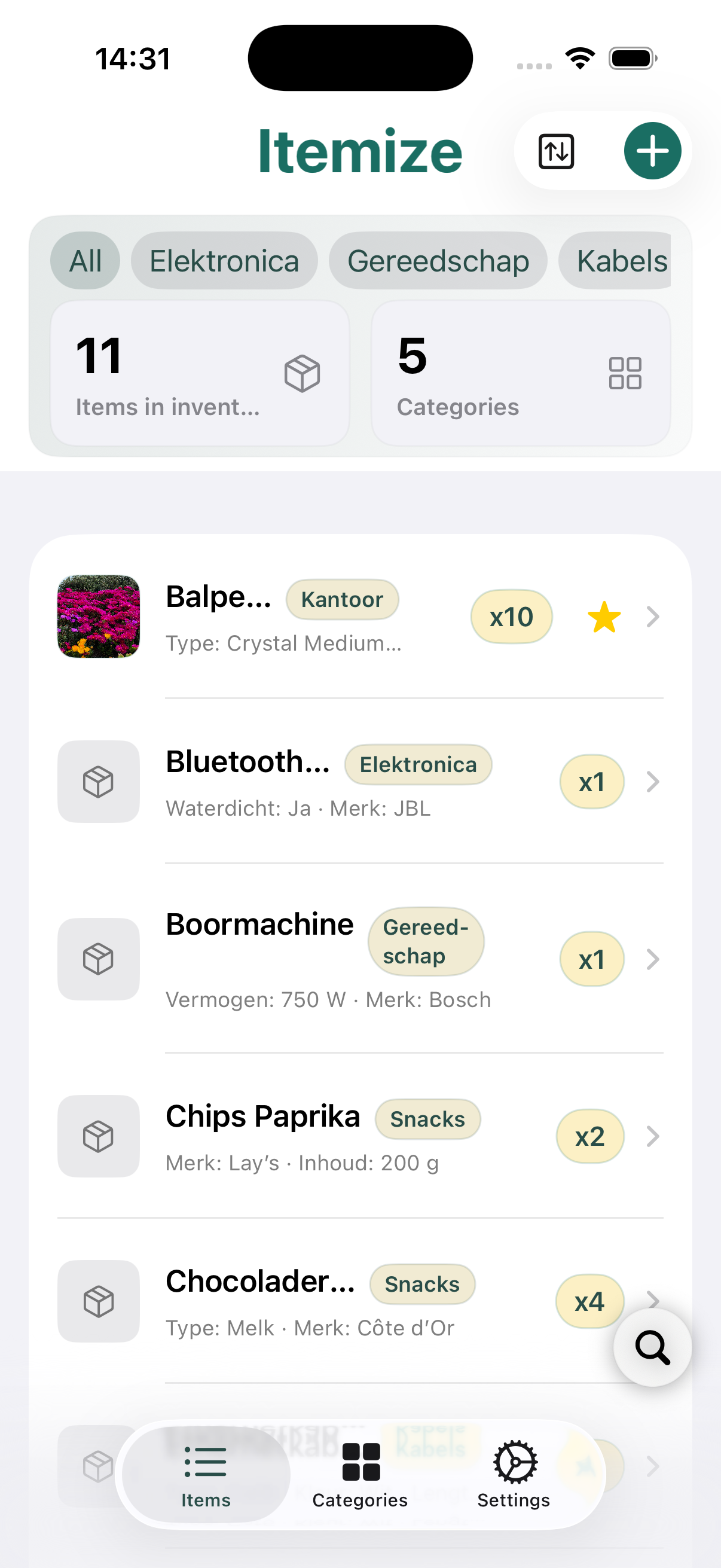
Inventory structure
Shows items, categories, and stock status in a clear mobile structure so inventory work becomes faster and easier.
Items and categories
Lets users add items with photos, quantities, and details while keeping everything grouped in clear categories.


Core feature
StockTrack inventory
Items and status in one overview
Manage stock
Gives teams quicker visibility into what is available, which products need attention, and how inventory is grouped.
What the app does
Makes searching, filtering, and sorting inventory simple inside a clean and intuitive mobile app.

Geldinzicht
Personal money management with more calm and control.
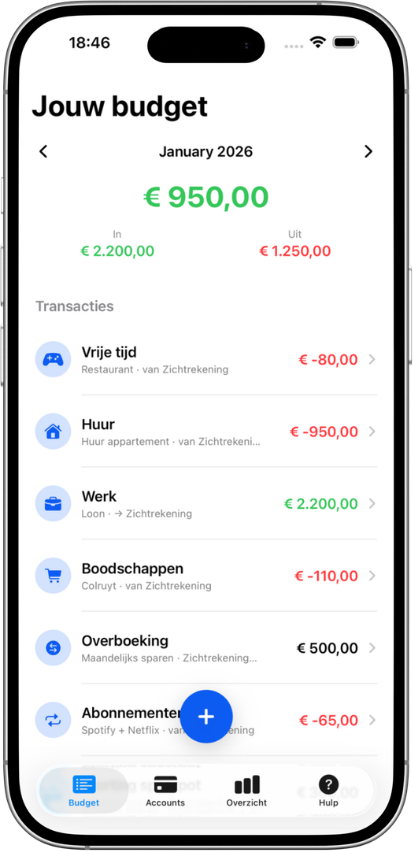
A finance app focused on income, expenses, and daily money decisions inside a clear and visually approachable mobile interface.
Personal money overview
Brings balances, transactions, and money flow together in a calm interface that makes daily budgeting easier to understand.
Budget with foresight
Starts from monthly income, shows views by month, week, or year, and helps users plan ahead into the next month.


Core feature
BudgetTrack money
See income and spending clearly
Gain more control
Shows what comes in, what goes out, and where users can adjust their daily budget decisions.
What the app does
Brings multiple accounts, savings goals, and carry-over logic together in one clear, offline-friendly budget app.

TaakFlow
Tasks, planning, and progress in one clear flow.
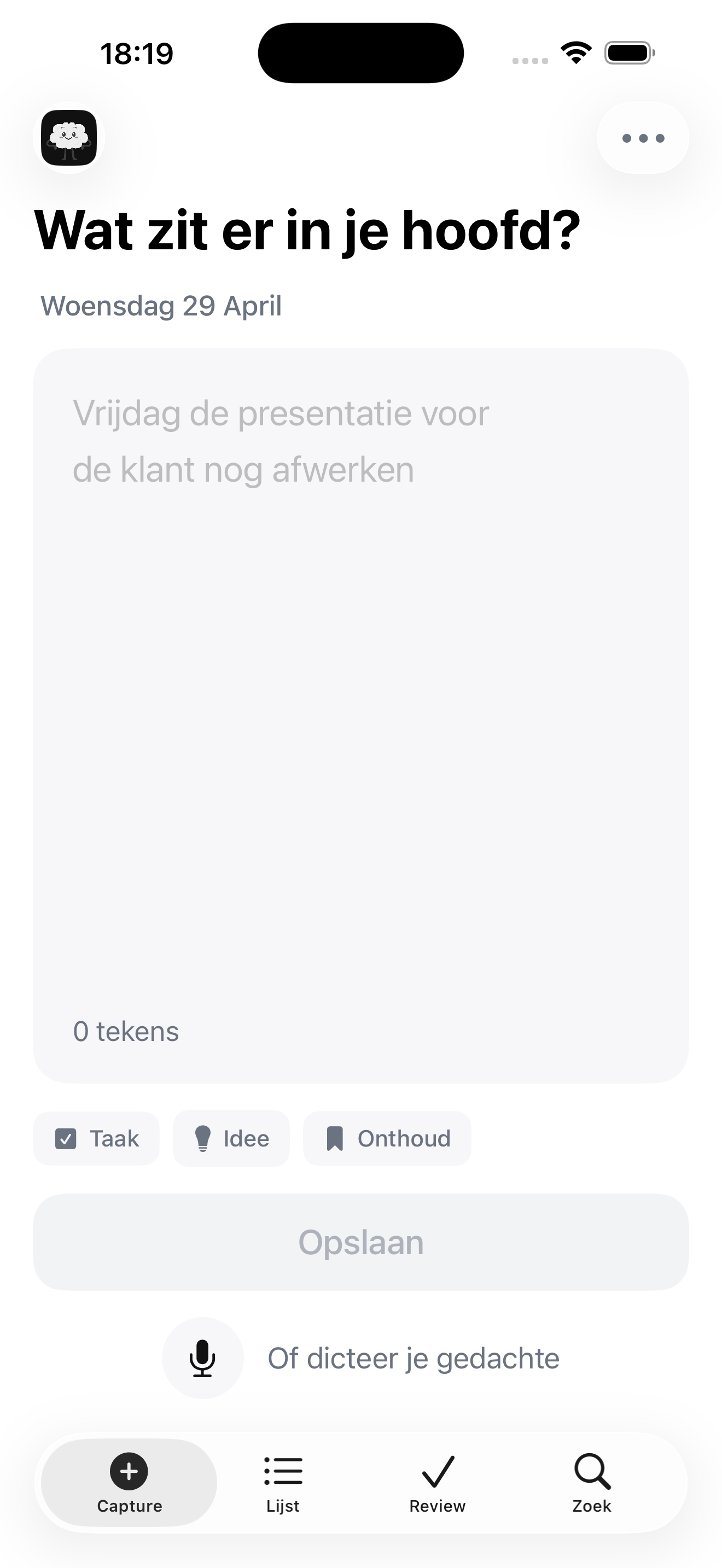
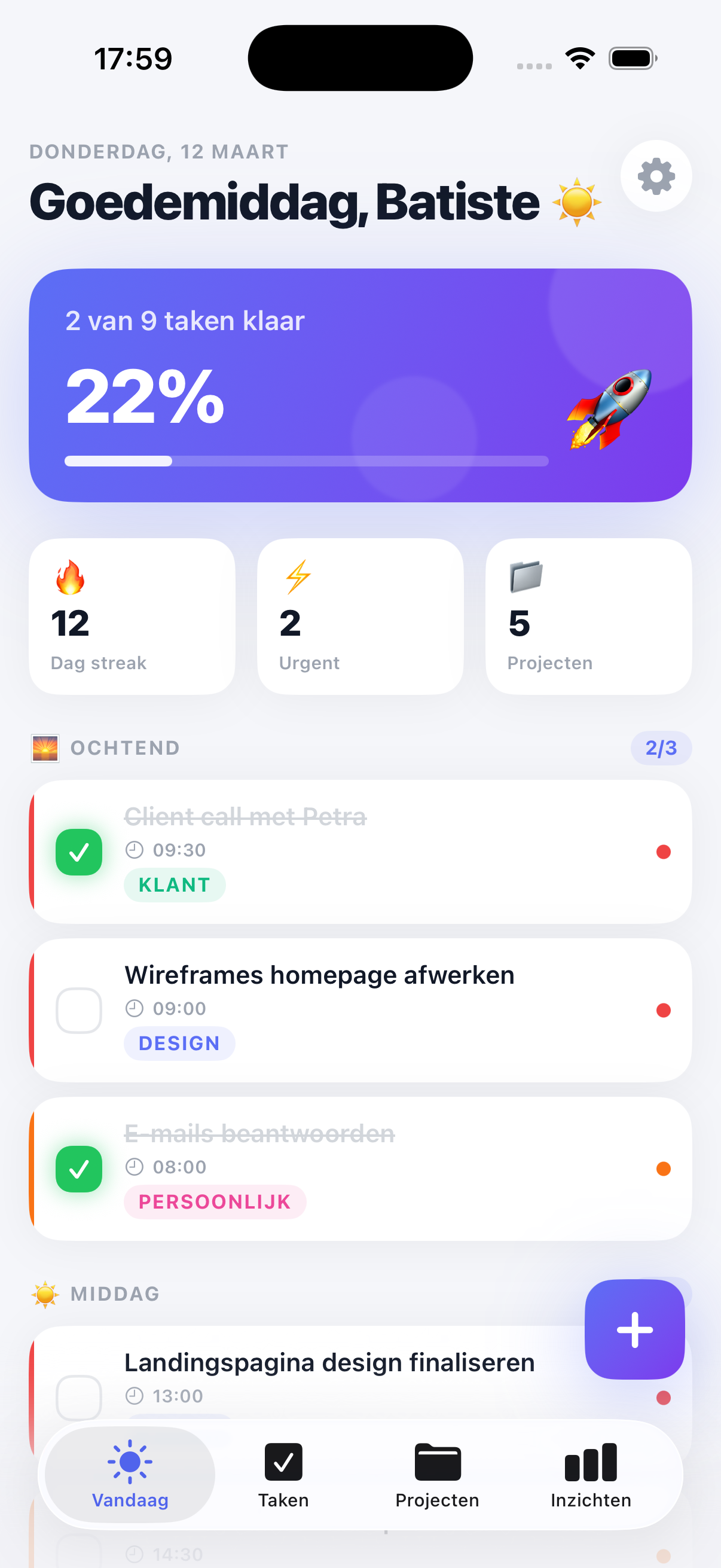
A productivity app that helps users break work down, manage priorities, and keep daily execution visible and structured.
Task structure
Brings tasks, planning, and progress together in one mobile workflow so work can be broken down and tracked clearly.
Calm in your day
Provides a simple Today view, lets users add tasks quickly, and keeps projects organized without extra chaos.


Core feature
PlanningManage tasks
Priorities and execution together
Organize daily work
Helps users break work down, keep priorities visible, and track what is done versus what still needs attention.
What the app does
Combines check-ins, rescheduling, focus blocks, and progress into a workflow people actually keep using.